//

| DansMark Software Solutions 3rd Party AutoCAD Software Updates almost everyday... Check back often! An Answer Brings No Illumination... Unless One Asks the Right Question! |
| > Dan's Past/Current Projects > Resume > Home > Products > Detailing Service > Programming Service > Consulting > Projects > Free Downloads > Misc > About > Contact Info > AutoCAD Forum > Live Billiards! > Never Forget! > Draw'T Lisp News Flash! Site Search Engine The Nut Doesn't Revel The Tree It Contains! Crocodile Hunter, We miss you! |
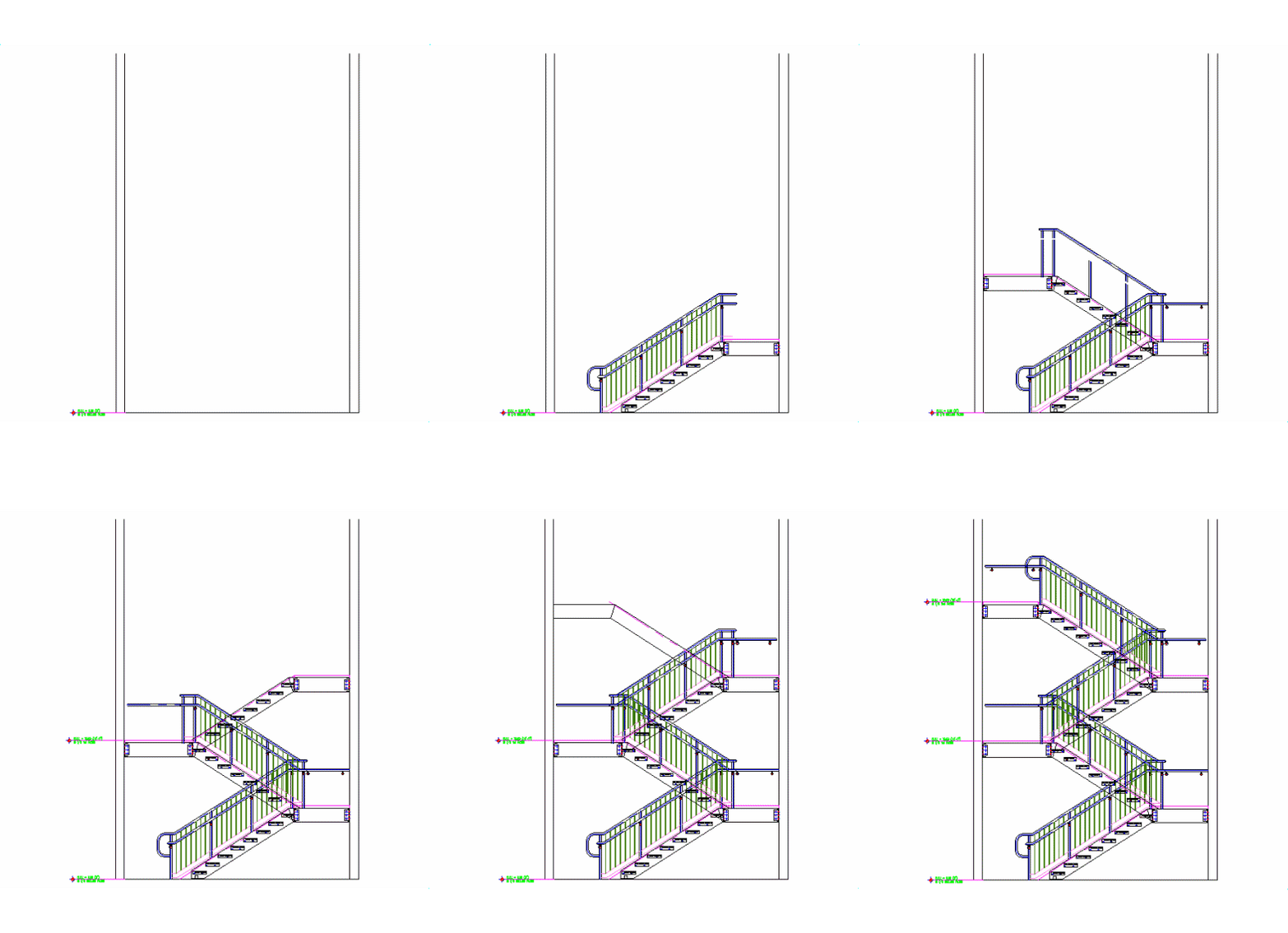
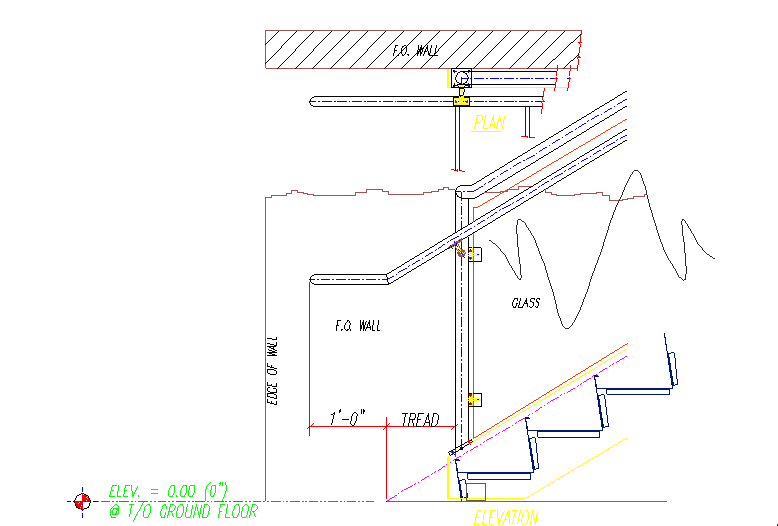
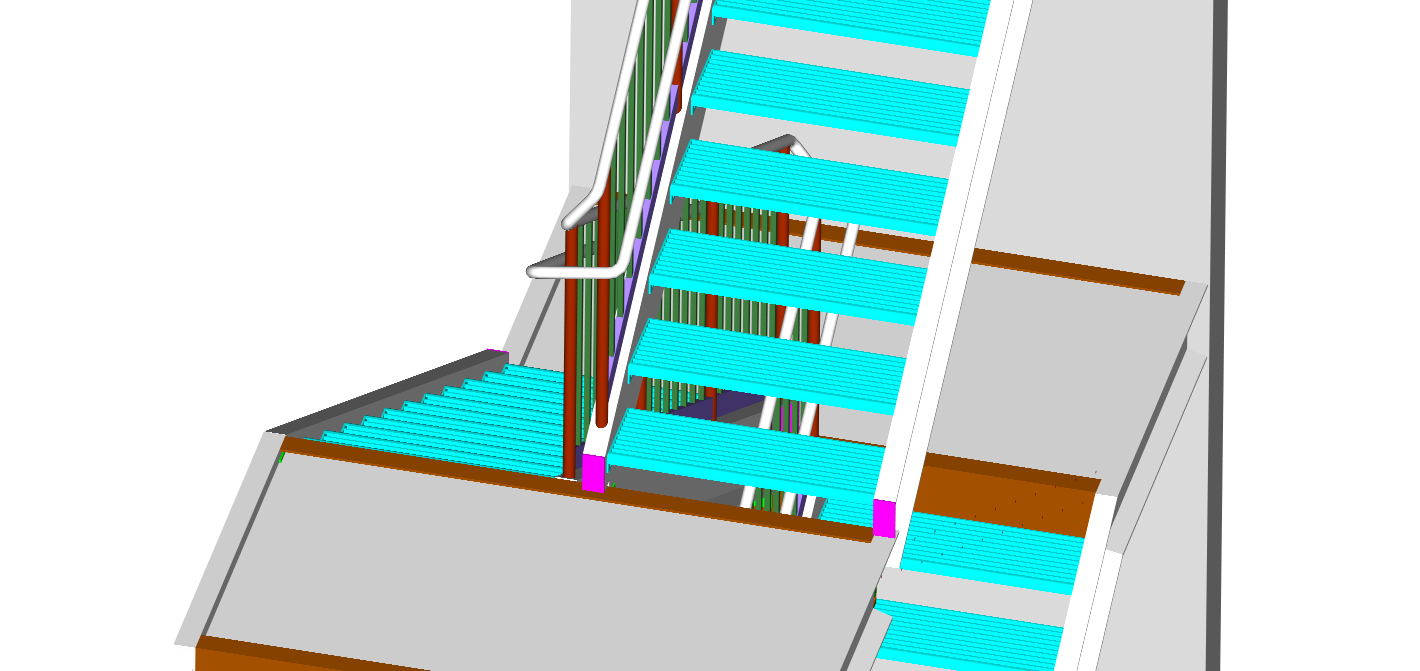
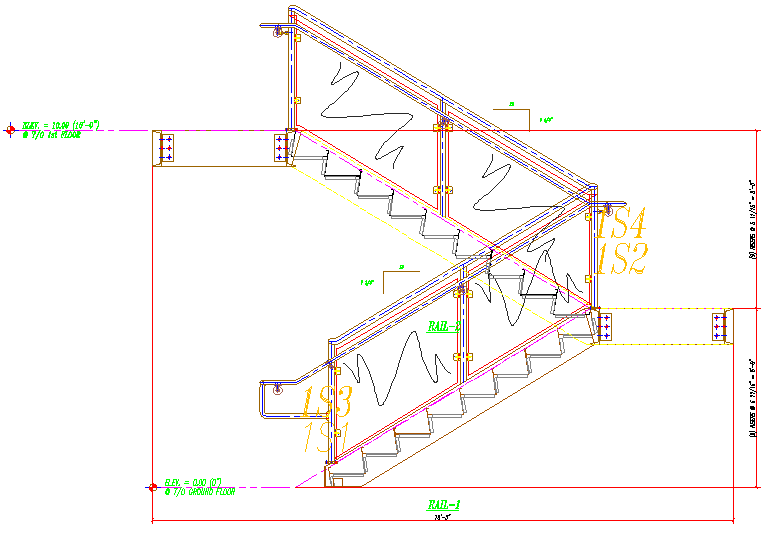
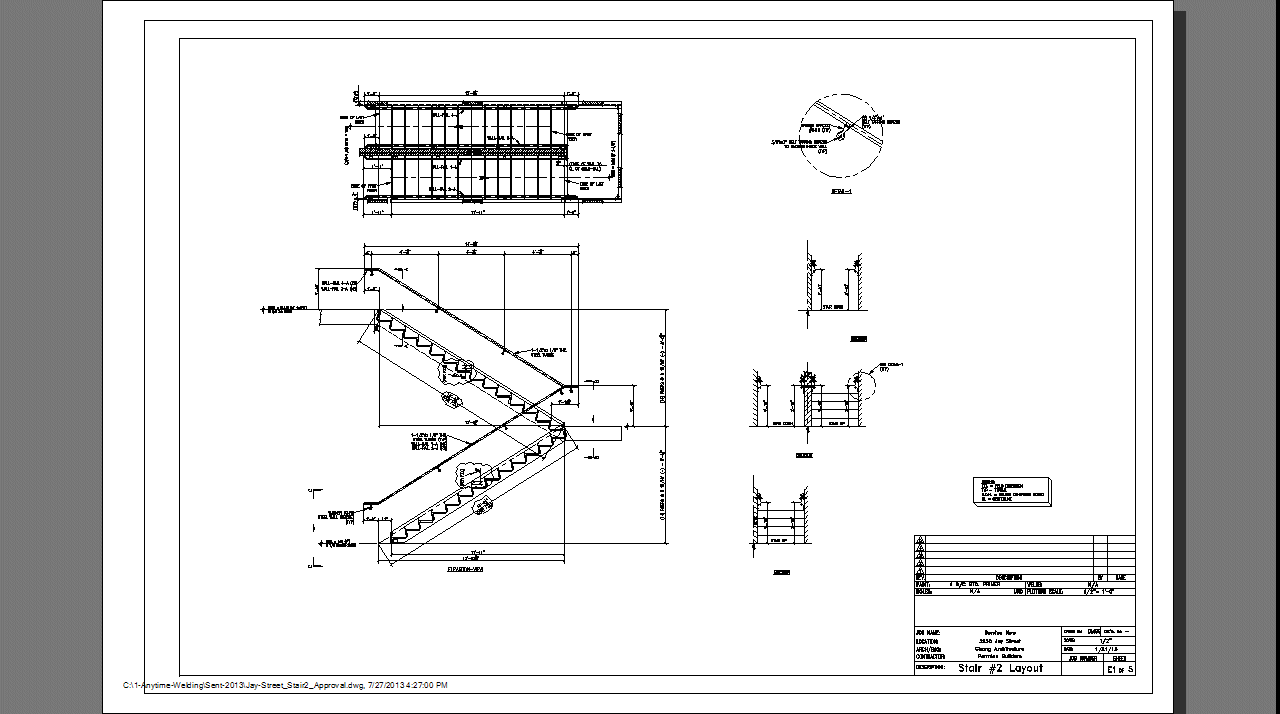
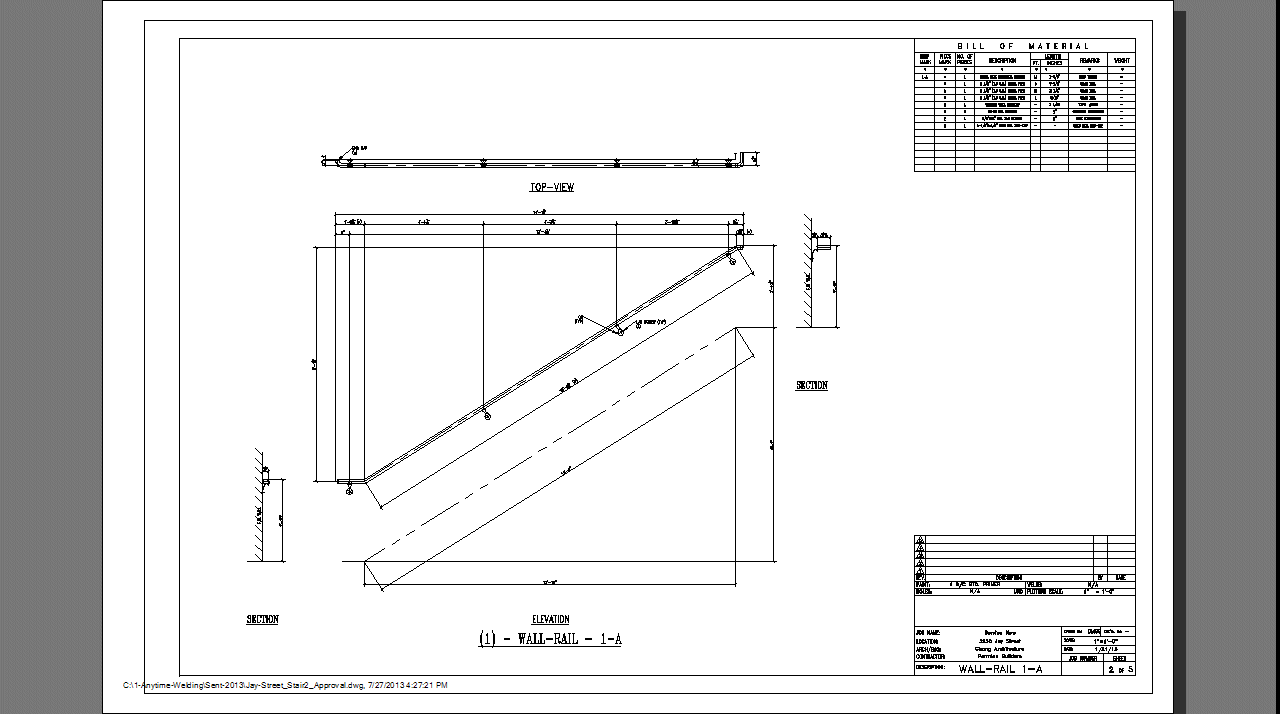
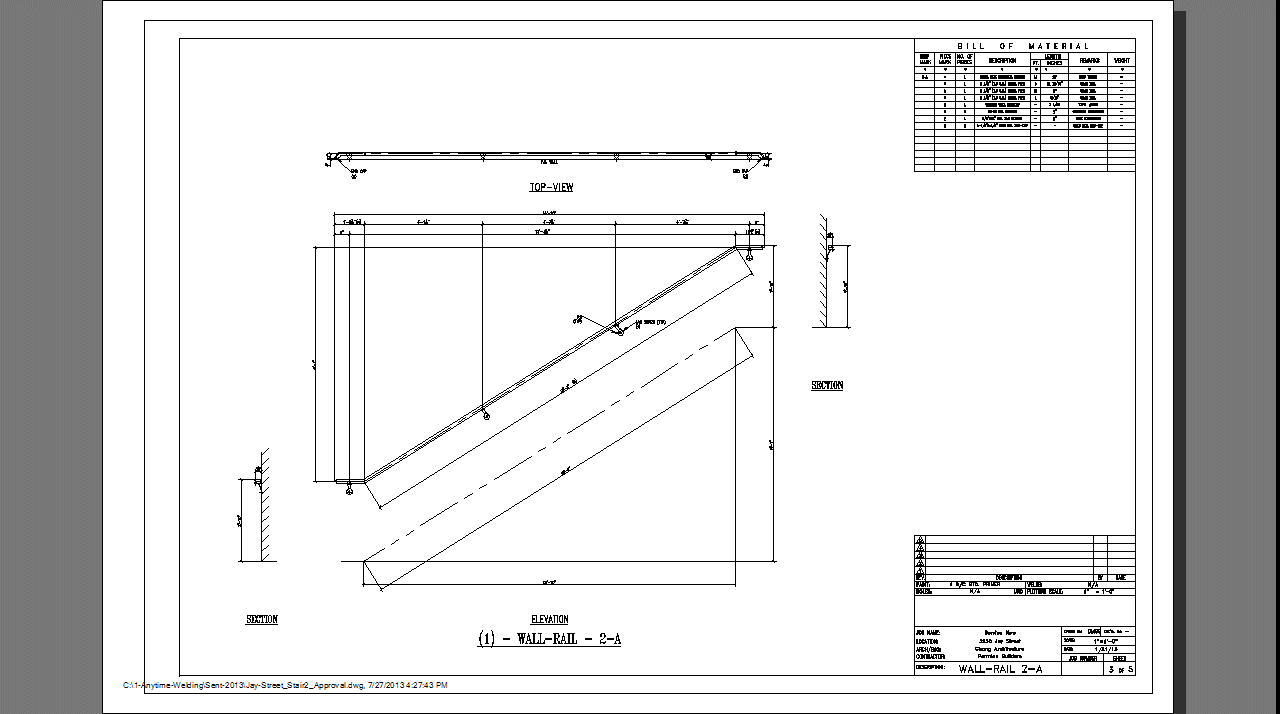
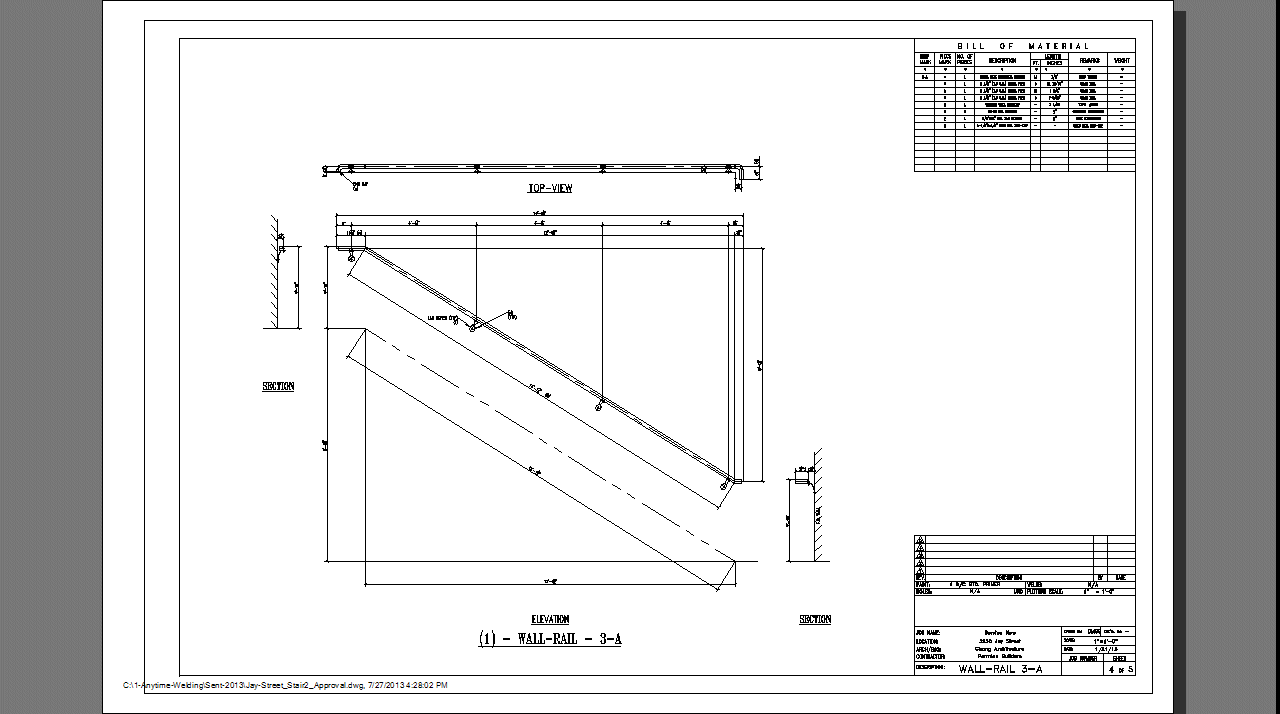
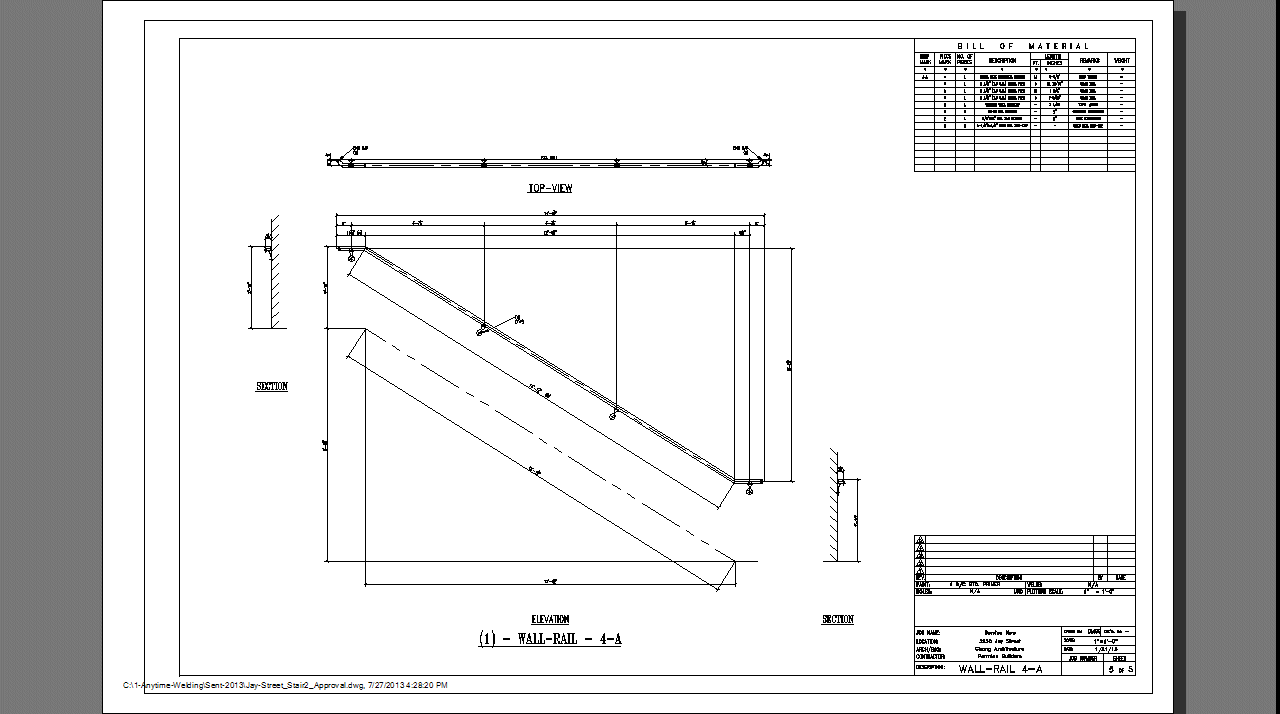
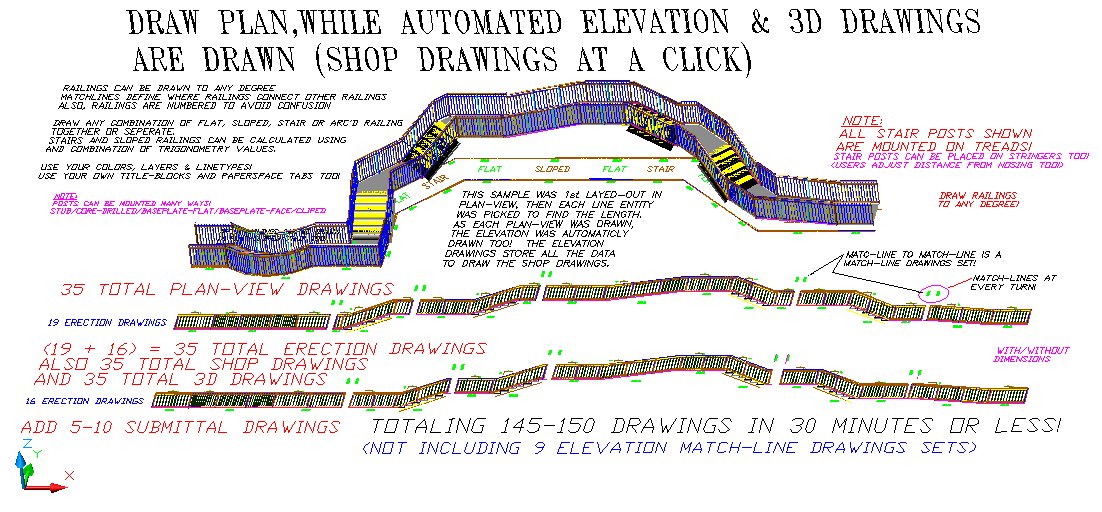
Your full-service CADD The "PaperSpace-ModelSpace? No Brain'r!" Software Why draw anything when you can automate everything? (See the Smart-drawing Webpage) Any DansMark software can be customized to meet your specific requirements! Ask for details. For a full description (and video-demos) of these programs, click the "Products" link at left, then the program's page. (More downloads at the bottom of this page) The ULTIMATE in Railing Design & Drawing software! New Millennium Railings Update (3-9-13) Grab-rails & Wall-rails now have a 7th end option! 7=Customized! (users can add ANY end-condition they need, by drawing the end-condition! The software allows users to draw/save/edit/delete these end-conditions too!). Example... At the bottom of a stair, the grab-rail/wall-rail extends 4" past the 23" normal end of the rail, then turns 45 degrees and extends another 12" then turns into the wall (leaving a 1/2" space between the end of the rail and wall). The wall bracket is places 6" from the end. (Please Note: Grab-rail diameter, bracket & spacings auto-change to current design specs! Also, the same data is used in all views!) (2-30-13) Grab-rails & Wall-rails now have 6 different end options! 0=Normal (Tread-length + 12\" past 1st tread nosing). 1=Join another railing (turns corner 90, then straight/angled). 2=Hoop (turns back to cl of post, includes an end-bracket). 3=Turn down to floor (straight/inline). 4=Turn corner (90), go \"hoop-x\" distance, then down to floor (includes floor/base bracket). 5=Turn corner (90), go \"hoop-x\" distance, then turn back to wall (includes wall bracket 6\" from end). 6=Turn corner (180, wraps around wall), go \"hoop-x\" distance, then turn back to wall (includes wall bracket 6\" from end). 7=Custom (Now users control the end connection to suit themselves!) As you enter the direction & distances, the data is saved for both the elevation and plan views! Users can also save/edit/delete these end-condition data-sets! (2-15-13) New Millennium Railings auto-drawn with StairMaster! Multi-floor, Automatic Stair Railings! Picket-Railing sample., Glass (w/top & bottom rail) Railing sample., Glass (w/Clips) Railing sample., Mesh-Railing sample1., Mesh-Railing sample2., Mesh-Railing sample3. (2-15-13) Wall-rail plan-views included! (2-8-13) Where is New Millennium Railing headed? (4 modes that encompass all aspects of railing design...) (2-8-13) Wall-rails included! (2-8-13) Grab-rails included! (Sample is mounted on a Guard-rail) (1-14-13) Seamless integration of any flat, sloped, stair and arc'd railings while combining of any of the 5 barrier/panel/infill styles! (round or square, glass, mesh and cable) And in any direction (including left, right, up and down)! (1-14-13) Customized Cable railings of any style added! (1-13-13) Customized Mesh railings of any style added! (1-13-13) Glass railings added! (12-25-12) Sloped Arc'd Stair railings added! Arc'd stairways can be drawn in under 1 minute! That's 4 arc'd railings (including plan-views), and 4 arc'd shop-drawings (including plan-views) (Based on a double-arc stairway; 2 arc's per side, 4 total) Added 12-26-12 This is the Video and Drawing sample! (12-13-12) A Sample Drawing of 35 Erection & Plan-views in under 10 minutes!! (35 matching Shop-drawings and 5-10 submittal drawings can be added in under 5 more seconds!) (12-12-12) Railings drawn in different directions at any angle required! (See video #2) Also explains ALL the capabilities of this program!!! (12-11-12) Sloped Arc'd railings added! (12-05-12) Arc'd railings added! Here's a Sneak-Peek video of the NEW Millennium-Railings drawing a combination of Flat, Sloped, Stair and Arc'd railings together. Another Sneak-Peek video of the NEW Millennium-Railings #2 drawing a combination of Flat, Sloped, Stair and Arc'd railings together in different directions. Based on DMSS's Custom-Railing-Designr and Sloped-Railing-Designr, this program does it ALL and MORE! Draws any combination of Flat, Sloped, Stair and Arc'd railings together or separately. Draw Flat/Sloped/Stair/Arc'd railings left, right, upwards or downwards (using any combination). Continuous left or right, also away-from-you or toward-you at any angle you need! The erection elevation drawings will have "match-lines" for multiple page drawings (every time you turn a corner "match-lines" will show where the other railings are). Users can enter the length/rise/run/angle many different ways! 1) Plan-view. Draw the Plan-view first, then automatically draw the Erection & Shop drawings from them! 2) Erection/Elevation views. Draw the Erection/Elevation views first, then automatically draw the Plan-views & Shop drawings from them! 3) Shop-drawings only. Uses can draw just the Shop-drawings only too! 4) Submittal drawings. Draw only Submittal drawings! 5) Section & Misc. views. Users can select from the "Standard" Section & Misc. drawings, AND/OR ADD THEIR OWN DRAWINGS TOO!!! Also a Railing-Estimator will be added to this program! Enter the lengths needed (including rise/run/angle) and the Railing-Estimator will give a complete Bill-of-Materials for your projects! Users will have the option to include their unique Company part-numbers, lengths, sizes (and other misc. info.) to reduce the overall time to completion! As a bonus... the Railing-Estimator's data can be used to automatically draw & detail the railing systems!!! Railing types: Picket in 2-line, 3-line, 4-line stair & parapet. Glass in 2-line, 3-line, clipped and even structural. Custom in panel, basket (bellied), cable, mesh or multi-lateral. Wall rails single or continuous (also matched sets for all the above designs to!) (With or without grabrails on either side) Use your own top-rail-profiles too! Post-base connections include welded, core-drilled, flat or face mounted base-plates! Start/End mounts will include wall-mounts or post-mounts for either side (also open for other options!). If you need the stair-posts mounted on the stair-treads, no problem! The program automatically places the post on the treads no further than the "maximum post offset" (user controlled too!). The user controls everything (with all the "designer" programs that are included too)! Note: The "designer" programs are free programs that help the user design specific parts to their own specifications (and most can be used as stand-alone programs too). Interior/Exterior boundaries include pickets, glass, cable, multi-horizontal and decorative. Users will be able to configure railing-sets and save them for future use! This means an unlimited amount of railing configurations can be accessed in seconds, reducing time to finished designs by 80+ %. Uses can expect all the erection-drawings, shop-drawings, section-drawings and submittal-drawings for really big jobs (50+ railings) in under 10 minutes! If you have suggestion you would like to see in the NEW program, send them to dan and @ and dansmark.com to be considered! (only drawings with written explanations will be considered...) Also included, is a Layer-Control program that lets users change the current system to "their" layers, colors and linetypes (once changed they become default!) With the included DMSS Title-Border program, users can add their title-blocks (and PaperSpace tabs), to control the final outcome of the drawings!(again, once changed they become default!) Update (9-26-12): Here's a Sneak-Peek video of the updated StairMaster using Sloped-Railing-Designr to automatically add the railings! Imagine 5 floors of stairs & railings in under 2 minutes! (even with each floor height different from the rest) That's 1 master elevation drawing (includes railings and plan-views of each floor). 5 elevation drawings (each of them also includes the railings and plan-view of each floor) 20 stringer/landing shop drawings! (This includes Pan Details, Clip Details, landing header details and a full b.o.m.. Many other items being developed so check back often!) 10 stringer-railing shop drawings! 10 wall-rail shop drawings! And 2 submittal drawings for the railings! (portions still under construction) (Check back often for additional submittal drawings being added!) That's 48 drawings total! Update (8-8-12): Here's a Sneak-Peek video of the updated StairMaster Update (7-29-12): Now Updating StairMaster. StairMaster draws the Erection Elevation & Plan-views of stairs systems, including Elevation Shop-Drawings, and B.O.M.'S (Bill-Of-Materials). Many stringer-to-landing connections to choose from. Designs most common types of stair applications quick & easy! Auto-modes and save-configuration features, also complete Help-Systems too! StairMaster Webpage Grating or pan-concrete systems on-the-fly. A must have for multi-floor stairwell systems! Update (7-19-12): Added EmbedMaster. EmbedMaster draws Plan-views, Elevations (Shop-Drawings), and B.O.M.'S (Bill-Of-Materials) of Angle & Channel Iron in almost any type of application. Auto-modes and complete Help-Systems too! EmbedMaster Webpage Grating Support Systems on-the-fly! Update (6-28-12): CatwalkMaster updated to work with newer versions of AutoCAD. Draws Plan-views, Elevations (for erection drawings) & Shop-Drawings, complete with section-view & B.O.M.'S (Bill-Of-Materials). Draws Catwalks for almost any type of application. Auto-modes and complete Help-Systems too! CatwalkMaster Webpage Catwalk Systems on-the-fly! Update (4-12-12): Seems MicroSoft & AutoDesk has screwed the VB community... here's their fix! AutoCAD's VB Fix Guess who's next? Download the Free Drawing2Lisp_Converter_SetupKit.zip This is an AutoCAD Drawing to AutoLisp converter (.dwg to .lsp) (Also see Webpage, also How to Register) Update: Tested with AutoCAD 2012, it works correctly! Stop! Hold the presses! Take a look at this "Video Sneak Peak" of a NEW program that auto-draws custom railing AS FAST AS YOU CAN THINK! Now you'll be able to detail up to Impossible you say? (you must be from the swamp!) Take a look for yourself! Custom-Railing.lsp Sneak-Peek Video (plan-view) Custom-Railing.lsp Sneak-Peek3 Video (dialogs) Updated Custom-Railing.lsp Sneak-Peek4 Video (layer control) New Video! Custom-Railing.lsp Sneak-Peek5 Video (Post above rail & Master-data sets) New Video #2! Custom-Railing.lsp Sneak-Peek6 Video (Longer Than Maximum-Length Railings 30'-0"+) New Video #3! (All entities in Custom-Railing.lsp was first converted using Drawing2Lisp_Converter.lsp, see the download above) If enough interest is generated, I will include arc'd and sloped railings in the next version! Added: Export The BOM to Excel. (1-25-12) Update: (3-18-12) Add your own title-block to the programming data! Model-Space or Paper-Space tabs, it's up to you! When you add your title-block to the data it becomes the default title-block! You can add: A-size (8.5x11 both Portrait & Landscape) B-size (11x17 both Portrait & Landscape) C-size (22x17) D-size (36x24) E-size (44x33) F-size (33x21) Using Title-Blocks with the Railing programs! It's finally here: Custom-Railing-Designr.lsp website & download page Sloped-Railing-Designer.lsp add-on will be available soon! Check out the video on the Custom-Railing-Designr website (above)! (Check back often for the release!) (New Video Update 12-23-11) Also... Added: Export The BOM to Excel. (1-25-12) It's finally here too: Sloped-Railing-Designr.lsp website & download page Baseplate Designr added! Sneak Peek Video #2 Profile-Desingr added! (2-26-12) Picket-Railing-Desingr (picket channel) added! (3-2-12) Rise/Run Calculator added! (3-21-12) Now users can Calculate the Rise & Run from the Degree and Slope-Length you measure in the field! Stacked Steel Font_Converter added! (4-13-12) This is a powerful Steel-Font Converter that changes any Architectural text into steel stacked text instantly. (changes fonts all at once, no having to pick selection-sets) Completely customizable, add your own stacked fonts to the program! New Update! (4-24-12): Free-Form added to Custom-Railing-Designr's Auto-Mode! Now users can use any degree they want in Auto-Mode, producing shop drawings as fast as they can pick 2 points (any angle needed!) See the Custom-Railing-Designr webpage for the video! (Now users have even more detailing power!) Your erection & shop drawings turned into programs. See how DansMark can streamline your drafting department, and help your design & drawing team reach it's fullest potential! With the ever increasing demands of the 21st century, designing and drawing smarter, may be your most productive edge, DansMark delivers the best in programming to help out-pace your competition. Find out why Dansmark can help you achieve the kind of drawings you could only dream about a few years ago. Fast, easy, and affordable... Software for the Millennium. What do you want to detail today? Please re-download GangwayMachine if you downloaded before 7-2-11 3:10 pm There was a malfunction in the download (wrong directories). Sorry for the inconvenience... Download the Free GangwayMachine_SetupKit.zip (Optional 3D & Isometric drawings included) (The creation of the GangwayMachine was achieved using Draw 'T Lisp Option #5) (Also see Webpage and How to Register) Download the Free StoneStairMaster_SetupKit.zip This draws full 3D Staircases and the 3D Concrete Base that is designed for the staircase. (Also see Webpage and How to Register) See the Cast-Stone Webpage here! Download the Free Window-Designr_SetupKit.zip This draws Custom CastStone Window & Door Surrounds in both Elevation & Plan-view. Included the ability to add YOUR custom CastStone-Shapes to the program, for faster custom designs! (Includes a Drawing2Lisp_Converter.lsp "Sample Program" of a window surround!) (Also see Webpage and How to Register) Download the Free BandingMachine_SetupKit.zip This draws Custom CastStone Banding in Plan-view (more if you need it!). Included the ability to add YOUR custom CastStone-Shapes to the program, for faster custom designs! (Includes a Drawing2Lisp_Converter.lsp "Sample Program" of Banding being drawn!) (Also see Webpage and How to Register) Download the Free TextMachine_SetupKit.zip This program was developed for Custom CastStone drawings. Add text to your drawings fast & easy by picking predefined text from the dialog. Includes the ability to add YOUR custom Text to the program, for faster custom designs! (Includes a Drawing2Lisp_Converter.lsp "Sample Program" of a Custom CastStone house being drawn!) (Also see Webpage and How to Register) Download the Free Make_Icon-v3_SetupKit.zip This program was developed for Custom CastStone part drawings. Creates slides (.sld) of your drawings quick and easy! Allows the user to find a directory of drawings, then creates slides of all drawings in that directory! Can be 1 or 1,000 drawings, it don't matter, the slides are created in seconds! (Includes a Drawing2Lisp_Converter.lsp "Sample Program" of a Custom CastStone Baluster-Railing being drawn!) (Also see Webpage and How to Register) Download the Free QuoineMachine_SetupKit.zip This program was developed for Custom CastStone drawings. Add Custom Quoines to your drawings fast & easy by defining sizes and grout thicknesses in a dialog. Includes the ability to pick lengths in drawings, for faster custom designs! (Includes a Drawing2Lisp_Converter.lsp "Sample Program" of a Custom CastStone front entry of a house with Quoines being drawn!) (Also see Webpage and How to Register) Download the Free Setup_Wall-rail_detailer_v1-1-0-0.zip This program was developed for Steel Detailing. Draws Custom Wall-Rails in your drawings fast & easy. Included is a fully annotated Custom Wall-Rail detail and B.O.M. (also an end condition detail) (Includes a Limited Demo-version of the real program to show you what Wall-Rail actually draws.) (Also see Webpage and How to Register) Download the Free CoreDrill-detail_SetupKit.zip This program was developed for Steel Detailing. This is a "Smart-Drawing" created with Smart-Drawing technology (It's like a block-on-steriods!) The whole block is a program that updates itself (if the variables are changed before the program is run, from another program for instance!). Why would you draw anything when you can automate everything? (Includes a Limited Demo-version of the real program to show you what CoreDrill-detail actually draws.) (Also see Webpage and How to Register) Download the Free Bollard-detail_SetupKit.zip This program was developed for Steel Detailing. This is a "Smart-Drawing" created with Smart-Drawing technology (It's like a block-on-steriods!) The whole block is a program that updates itself (if the variables are changed before the program is run, from another program for instance!). Why would you draw anything when you can automate everything? (Includes a Limited Demo-version of the real program to show you what Bollard-detail actually draws.) (Also see Webpage and How to Register) Download the Free Legends-Symbols_SetupKit.zip This program was developed for Custom CastStone drawings, but can be used for any legends and symbols you have. Users can add there own legends and symbols to this program 2 ways: 1) Pick the block from a directory. 2) Pick a block in the current drawing. The program create a slide of the block, them adds it to the current dialog "object-list", then adds the block to the "Legends-Symbols directory", so you can start using it instantly! (Includes a Drawing2Lisp_Converter.lsp "Sample Program" of a fully annotated W-Beam detail being drawn!) (Also see Webpage and How to Register) Watch this Video Video of RailMaster-v1.0 This draws full shop drawings of flat and sloped pipe railings (including a full bill-of-material). Also draws wall rails (the matching wall rail can be drawn right after a sloped rail, using the same rise/run info). |
|
|
|